control a demo laptop from my phone
Leave the prepared host connected to the display, then drive the demo from a phone or tablet controller while you present.
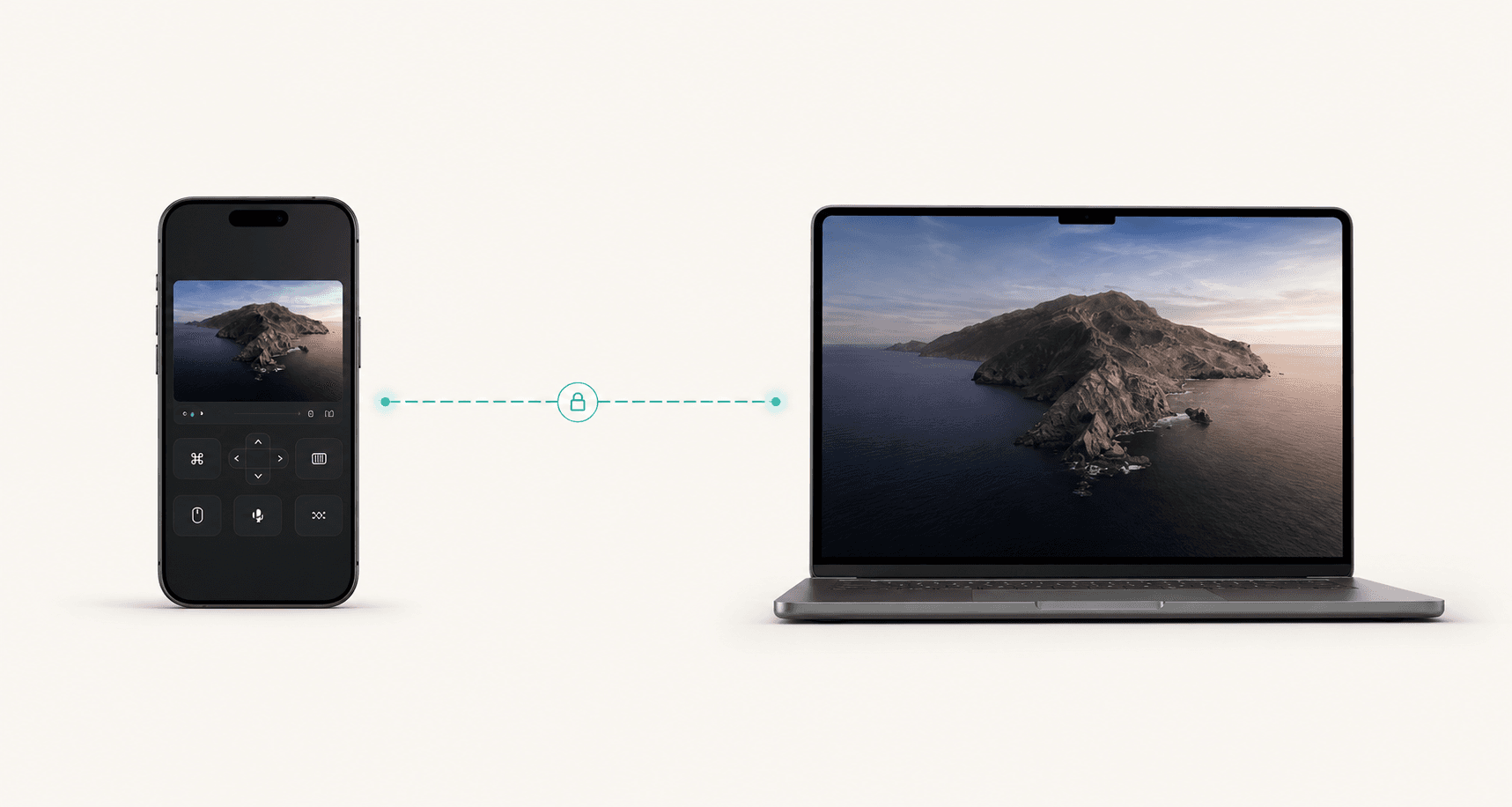
Live demo control
The best demos often need the exact machine, app state, keys, hardware, and browser profile already prepared. Remote Comp lets you leave the host in place and control it from the device that fits the room.
Phone first
Use touch-friendly control when standing away from the host.
4K+
Keep the room display sharp when the host can stream it.
Rehearsed
Build a tested route before the audience is watching.
Last reviewed for accuracy: May 15, 2026
Search intent
Search traffic only matters when the page answers the real job. These are the plain-language situations this guide is built around.
control a demo laptop from my phone
Leave the prepared host connected to the display, then drive the demo from a phone or tablet controller while you present.
remote control for live product demos
Use the real machine, account state, and local environment while keeping the presenter free from the host keyboard.
presentation remote for a Mac app demo
Prepare the Mac host, test the controller route, and rehearse the exact display and network setup before the audience arrives.
Best fit
Use the page as a decision aid before you start a session. The goal is to make the right workflow obvious, not to make every problem look like a remote-control problem.
Founder demos where the real product environment matters.
Conference booths, classrooms, and workshops with a host machine on display.
Design reviews where the presenter needs to move around the room.
Hardware or local-network demos that cannot be moved to a cloud sandbox.
Outcomes
The product promise is strongest when latency, authorization, and device context all matter at the same time.
The host can stay wired to the display while the presenter controls it from the right spot in the room.
Use the app state, accounts, hardware, and local services that make the demo truthful.
Route checks, controller rehearsal, and focused setup reduce surprises when people are watching.
Decision
Use-case console
Demos and Presentations
Controller
Phone or browser
Route
Direct when possible
Host
Trusted machine
Room-ready control
Control the prepared host without staying glued to the keyboard.
Phone, tablet, laptop
Choose the device that works for the venue and presenter posture.
Known before showtime
Run diagnostics and route checks during rehearsal, not during the pitch.
Runbook
Open the real app, account, files, peripherals, and browser profile on the machine that will drive the demo.
Pair the phone or tablet, confirm input mode, and verify the screen on the projector or display.
Know whether the room supports direct peer routing, same-network access, or a private mesh before the meeting starts.
Advance the demo from the controller while the host stays connected to the display, hardware, or local environment.
Alternatives
Strong use-case pages should tell people when not to buy the premise. These are the cleaner paths when a live desktop session would add risk or unnecessary friction.
If the purpose is only to communicate a finished flow, a prepared recording can be more reliable than a live session.
When fidelity matters less than narrative, a prototype avoids venue network and hardware risk.
For live demos, validate the browser, display, permissions, and route while there is still time to change the setup.
Open resourceRoute plan
Remote Comp is direct when possible, but best-in-class remote workflows name the fallback before the user needs it.
The venue network or hotspot allows peer connectivity between host and controller.
The controller should feel responsive enough for live pacing.
The display host and presenter controller are on a known local network.
Rehearse the local URL and keep it ready as the simplest fallback.
The demo depends on controlled devices across a stricter event or corporate network.
Confirm the private route before the audience enters the room.
Setup checklist
Guardrails
FAQ
The FAQ is visible on the page and mirrored in structured data so users and search systems get the same answer.
Mirroring helps with display output, but it does not solve presenter movement, phone-first control, route visibility, or keeping the exact host environment in place.
Test the exact route, display, permissions, and controller device you will use during the live demo.
Yes, when the hardware is attached to the host machine and the controller only needs to operate the host during the presentation.
Explore
Ready path
Pair the controller, check diagnostics, and use the session for the specific job this page describes.