control my computer from my phone for quick tasks
Use phone-first control for a specific action such as checking a file, restarting a job, or inspecting the desktop state.
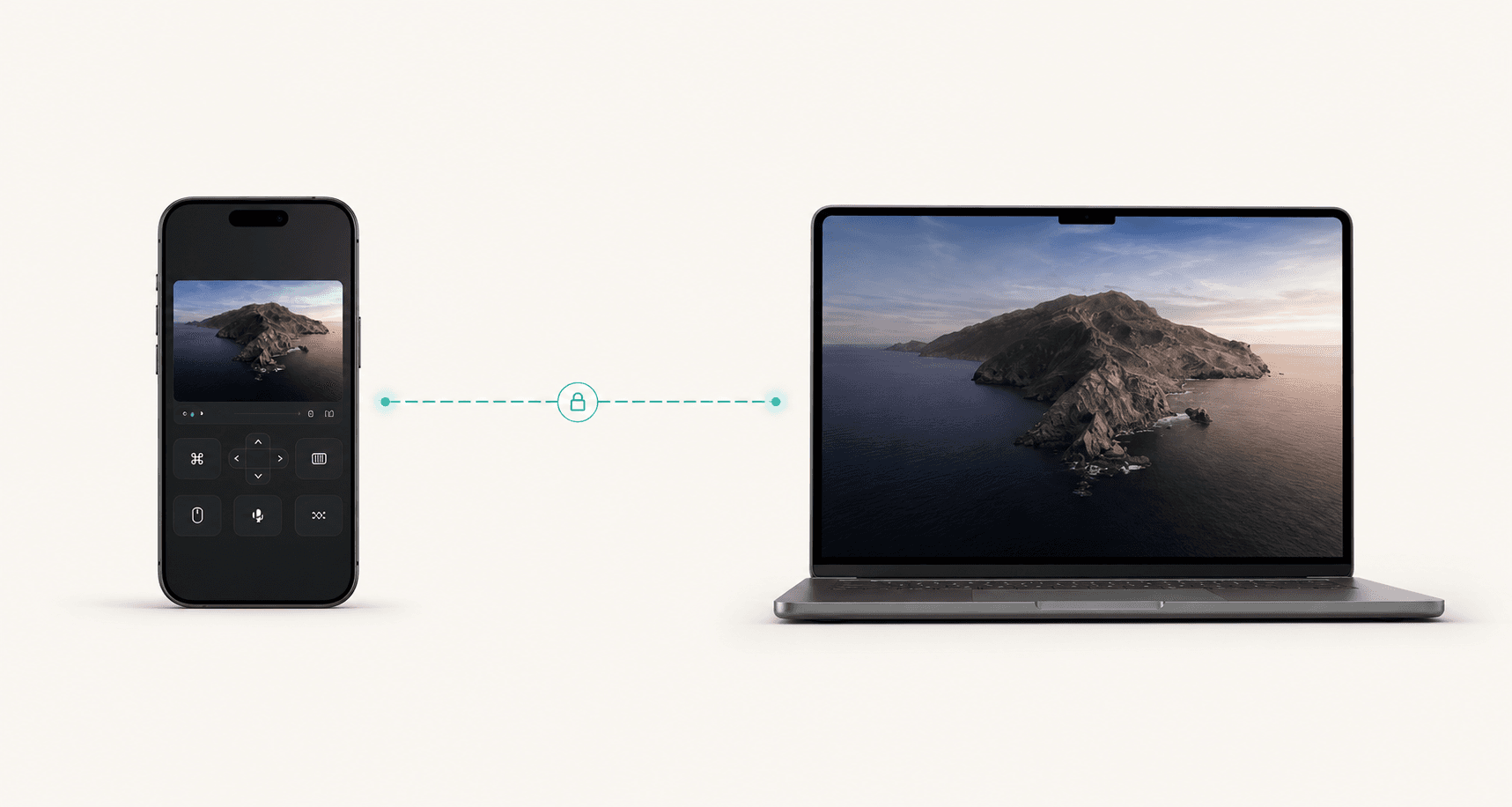
Fast mobile interventions
Some remote tasks do not need a full workstation migration. They need thirty focused seconds on the computer that is already configured. Remote Comp makes those phone-to-host moments quick, visible, and controlled.
Quick fix
Optimized for brief, high-clarity interventions from mobile.
Touch
Phone-first controls help when a full keyboard is not available.
Close after
Open the host, finish the task, and end the session.
Last reviewed for accuracy: May 15, 2026
Search intent
Search traffic only matters when the page answers the real job. These are the plain-language situations this guide is built around.
control my computer from my phone for quick tasks
Use phone-first control for a specific action such as checking a file, restarting a job, or inspecting the desktop state.
remote desktop for quick productivity fixes
Keep the session narrow: pair, do the one task, verify the result, and disconnect.
access my Mac from iPhone
Open the Mac host, pair the phone controller, and use the mobile controls when the task is smaller than opening a full laptop workflow.
Best fit
Use the page as a decision aid before you start a session. The goal is to make the right workflow obvious, not to make every problem look like a remote-control problem.
Restarting a local service, build, or script while away from the desk.
Finding a file, checking a desktop-only app, or sending a quick update.
Approving a one-off task on a trusted machine without switching laptops.
Doing a small fix from a phone before it becomes a larger delay.
Outcomes
The product promise is strongest when latency, authorization, and device context all matter at the same time.
Handle the urgent desktop action without turning it into a full workstation setup.
Use the computer that already has the files, tools, accounts, and local state.
The workflow encourages explicit sessions that close when the quick job is complete.
Decision
Use-case console
On-the-Go Productivity
Controller
Phone or browser
Route
Direct when possible
Host
Trusted machine
Short intervention
Useful when the task is smaller than the cost of opening a laptop.
Touch-first
Designed around phone control, quick actions, and visible route state.
One thing
Do the specific job, then disconnect instead of drifting into a full session.
Runbook
Use the phone controller when carrying a laptop is heavier than the task itself.
Pick the exact task: retrieve the file, restart the build, inspect the app, or send the response.
If the connection is not direct, the route state helps decide whether local access or private mesh is the better path.
The best mobile remote workflow is short, intentional, and easy to leave behind.
Alternatives
Strong use-case pages should tell people when not to buy the premise. These are the cleaner paths when a live desktop session would add risk or unnecessary friction.
When you need long typing, detailed review, or multiple windows, a larger controller is more honest than forcing phone control.
If the same remote action happens often, a script, workflow, or deployment hook will be safer and faster.
Billing and account problems should move through the billing and support flows, not through remote desktop control.
Open resourceRoute plan
Remote Comp is direct when possible, but best-in-class remote workflows name the fallback before the user needs it.
The phone and host can establish a direct path from cellular, home, or office networks.
The session is responsive enough for quick taps, pointer movement, and confirmation.
You are near the host or using a trusted hotspot.
Local access is the simplest path for quick desk-adjacent tasks.
You need quick phone access from networks that block direct peer routes.
The private route should be tested before you depend on it in public.
Setup checklist
Guardrails
FAQ
The FAQ is visible on the page and mirrored in structured data so users and search systems get the same answer.
Short tasks with obvious success states: restart a process, find a file, check a window, send a quick update, or confirm a job finished.
Use a larger controller when the task needs long typing, careful reading, many windows, or more precision than a phone can comfortably provide.
Use trusted devices, avoid showing sensitive screens, keep sessions brief, and disconnect as soon as the remote action is complete.
Explore
Ready path
Pair the controller, check diagnostics, and use the session for the specific job this page describes.