Install the Mac agent
Install the menu bar agent on a Mac you own or are allowed to access.
LOCAL-FIRST. LOW LATENCY.
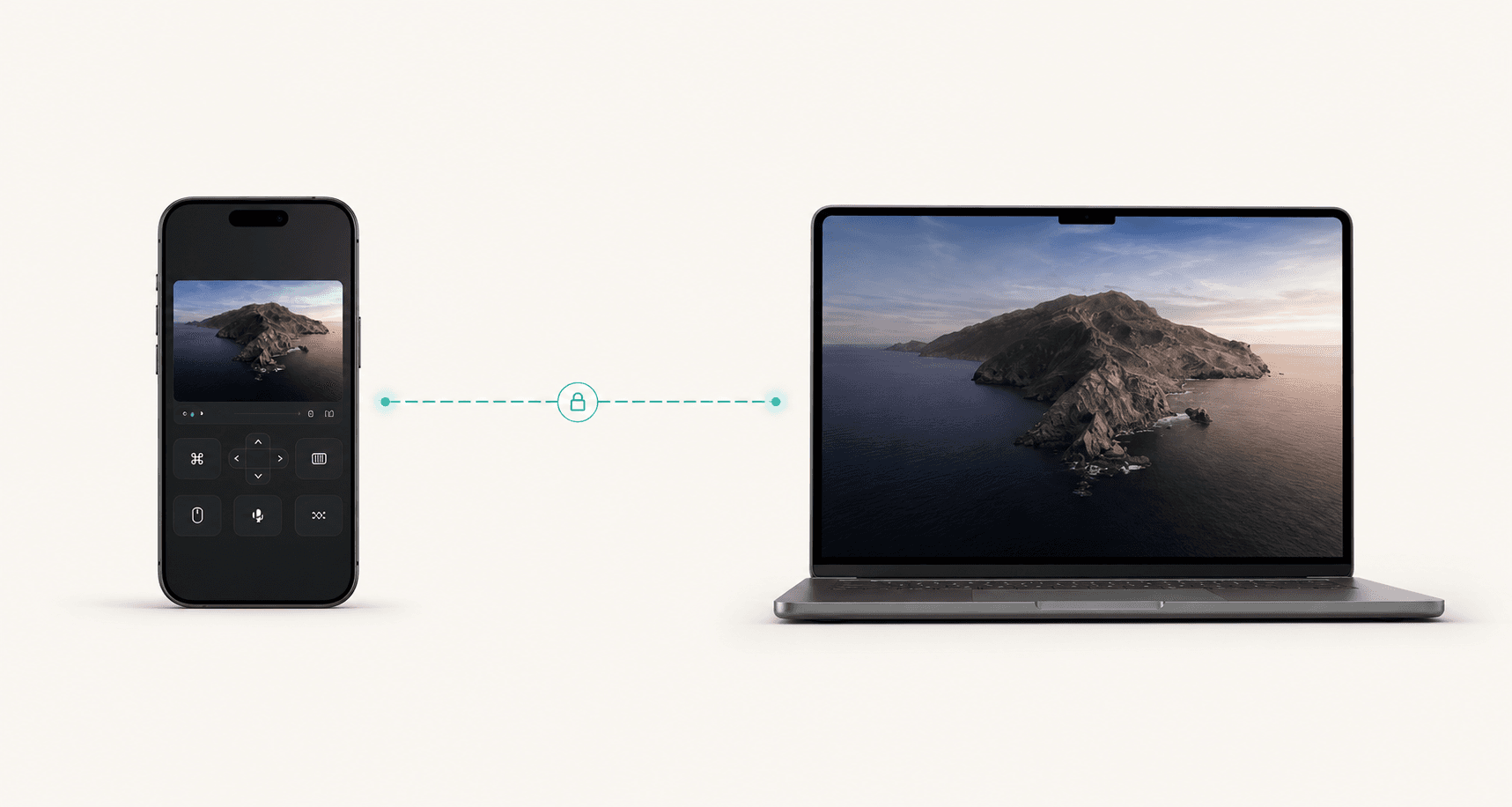
Pair with the Mac menu bar agent, choose Local Network nearby or a saved Private Mesh route away from home, then use a controller designed for keyboard, clipboard, zoom, and Game Mode workflows.
Camera is for QR setup. Local Network is for reaching your Mac.
Live session
Same-network Mac control is prioritized when the host is nearby.
Feel
Nearby path
Trace
Closest local Mac route selected.
Codec
HEVC / H.264 fallback
Resolution
4K+
Controller URL
Detecting controller URL...
Install the menu bar agent on a Mac you own or are allowed to access.
Use QR setup or a local pairing code to approve the Mac from iPhone or iPad.
Find and reach your Mac on the same network without opening a general browser.
Save a private route for Mac control when you are away from the local network.
Use keyboard, Phone Clipboard, Game Mode, zoom, and session controls from one surface.
Camera is for QR setup, Local Network is for Mac discovery, and you choose the Mac.
Personal control with the native apps over Local Network or Private Mesh stays free.
Simple pricing
$8 per month, billed monthly. $80 per year, billed yearly. Checkout confirms final renewal terms, taxes, and cancellation path.
Browser console access and a commercial-use license.
Monthly
$8
per month, billed monthly
Checkout confirms renewal terms before payment. Subscription terms
Yearly
Best value$80
per year, billed yearly
Checkout confirms renewal terms before payment. Subscription terms
Lifetime tucked one step past yearly.
Checkout shows final plan, renewal price, taxes where applicable, and cancellation path before payment. Web billing can be managed at Billing.
Nearby Mac sessions prefer the closest Local Network route.
The iPhone and iPad surfaces focus on touch, keyboard, clipboard, and quick route state.
QR setup and local pairing keep the first session understandable.
The first release keeps hosted relay off and makes Private Mesh the away-from-home path.
Public proof should come from current product behavior, linked legal/billing pages, and measured artifacts. Archived testimonials stay out of the homepage unless there is verified permission and source evidence.
The public product story stays to Local Network nearby, Private Mesh away, and hosted relay off for the first release.
Public support copy is limited to a Mac host plus iPhone and iPad controller surfaces.
Web pricing is read from the active catalog before checkout shows final taxes and terms.
Camera is for QR setup, Local Network is for discovery, and the user approves the Mac before control.
Access your dev machine, render box, or workstation from anywhere.
Open use caseHelp teammates and users without exposing inbound host ports.
Open use caseRun demos on your computer with full control from a phone or tablet.
Open use caseGrab a file, run a build, or fix something quickly while away.
Open use caseProof and limits
The published benchmark artifact was measured in May 2026. The homepage says what was measured: route, quality mode, method, review date, and which paths still need their own proof.
Same-Wi-Fi iPhone-to-Mac run using the direct/local path. Private Mesh and relay paths should be measured separately.
High-quality native capture profile from the published benchmark artifact, not a promise for every network or Mac.
Visual marker timing with methodology linked. Treat it as one reproducible run, not a universal victory claim.
Benchmark and public copy should be rechecked when transport, codec, app store scope, or billing terms change.