remote support without opening ports
Use an explicit host-started session so support can view and control the affected machine without making every host permanently reachable.
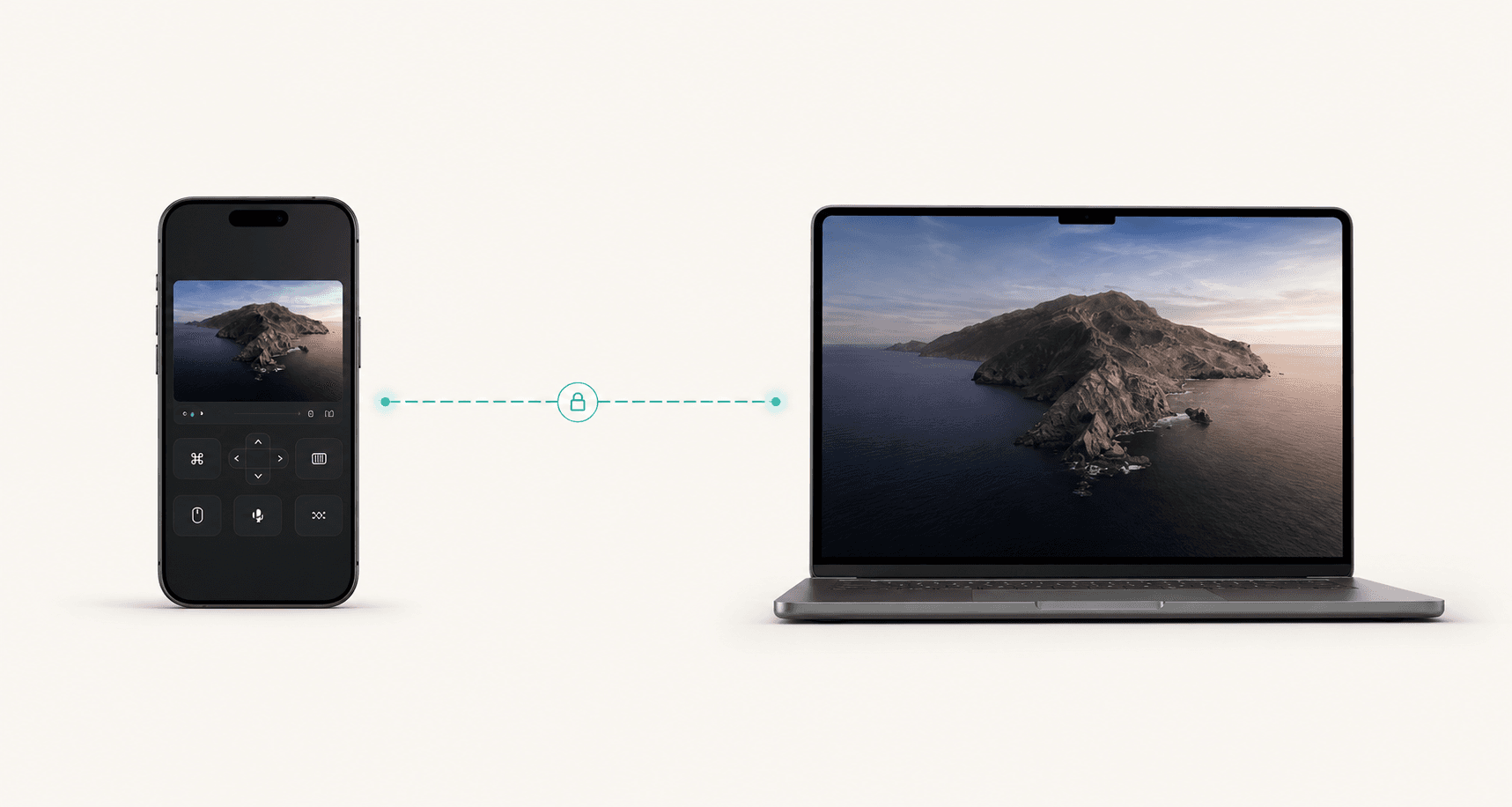
Permissioned troubleshooting
Support work needs speed, consent, and clarity. Remote Comp gives operators a clean path to see the host, control only what is authorized, and keep route state visible while the fix is happening.
Explicit
The host starts the session and shares a controller path intentionally.
Visible
Operators can see whether direct, local, or private routing is active.
Scoped
Use the session for the authorized fix, then close it.
Last reviewed for accuracy: May 15, 2026
Search intent
Search traffic only matters when the page answers the real job. These are the plain-language situations this guide is built around.
remote support without opening ports
Use an explicit host-started session so support can view and control the affected machine without making every host permanently reachable.
secure remote control for internal IT support
The flow is built around consent, route visibility, short sessions, and closing the connection after the authorized fix.
troubleshoot WebRTC remote desktop connection
Run diagnostics, inspect route state, and confirm browser and OS permissions before treating the issue as a user error.
Best fit
Use the page as a decision aid before you start a session. The goal is to make the right workflow obvious, not to make every problem look like a remote-control problem.
Internal support teams helping teammates with local app or Mac issues.
Founder-led customer support where speed and trust matter.
Ops teams checking kiosk, lab, studio, or workstation state.
Security-conscious teams that do not want permanent inbound access paths.
Outcomes
The product promise is strongest when latency, authorization, and device context all matter at the same time.
Operators see the real screen and route state instead of translating vague screenshots into guesses.
The host intentionally starts the session and can end it when support is complete.
Support can happen without exposing permanent inbound ports on every machine.
Decision
Use-case console
Support and Ops
Controller
Phone or browser
Route
Direct when possible
Host
Trusted machine
Guided fix
Designed for consented sessions where a human host is present.
Route plus screen
Troubleshoot permissions, network fit, and the actual desktop in one flow.
No standing tunnel
Avoid permanent reachability when a short support session is enough.
Runbook
Confirm what the operator will see and control before the host starts sharing the screen.
The person with the affected computer opens the host, approves OS prompts, and shares the controller path.
Check the screen, network route, browser support, and local permissions without guessing why the session feels slow or blocked.
Make the change, confirm the result with the user, record the cause, and end the session before moving on.
Alternatives
Strong use-case pages should tell people when not to buy the premise. These are the cleaner paths when a live desktop session would add risk or unnecessary friction.
Device enrollment, policy enforcement, and compliance reporting belong in management tooling, not ad hoc remote control.
If the same issue keeps returning, collect logs and root-cause it instead of repeatedly taking over the screen.
Account, billing, and privacy issues should go through the documented support surfaces rather than screen control.
Open resourceRoute plan
Remote Comp is direct when possible, but best-in-class remote workflows name the fallback before the user needs it.
A teammate or customer is on a network that allows direct WebRTC paths.
The fix can happen quickly with route state visible to the operator.
Support is happening in the same office, lab, classroom, or home network.
Use local reachability before escalating to wider network troubleshooting.
Internal ops teams manage trusted devices across strict networks.
The support workflow depends on controlled private infrastructure.
Setup checklist
Guardrails
FAQ
The FAQ is visible on the page and mirrored in structured data so users and search systems get the same answer.
Explain what the operator will see, what they need to control, and when the session will end before the host shares the controller path.
No. It is best for explicit, permissioned support sessions. Device management, logging, and automated remediation should remain separate systems.
Record the symptom, cause, route used, permissions changed, and the next owner so the same issue is easier to resolve next time.
Explore
Access your dev machine, render box, or workstation from anywhere.
Read use caseRun demos on your computer with full control from a phone or tablet.
Read use caseGrab a file, run a build, or fix something quickly while away.
Read use caseReady path
Pair the controller, check diagnostics, and use the session for the specific job this page describes.