remote access to my Mac while traveling
Use a Mac host session when the files, tools, and credentials should stay on the trusted workstation instead of being copied to a travel laptop.
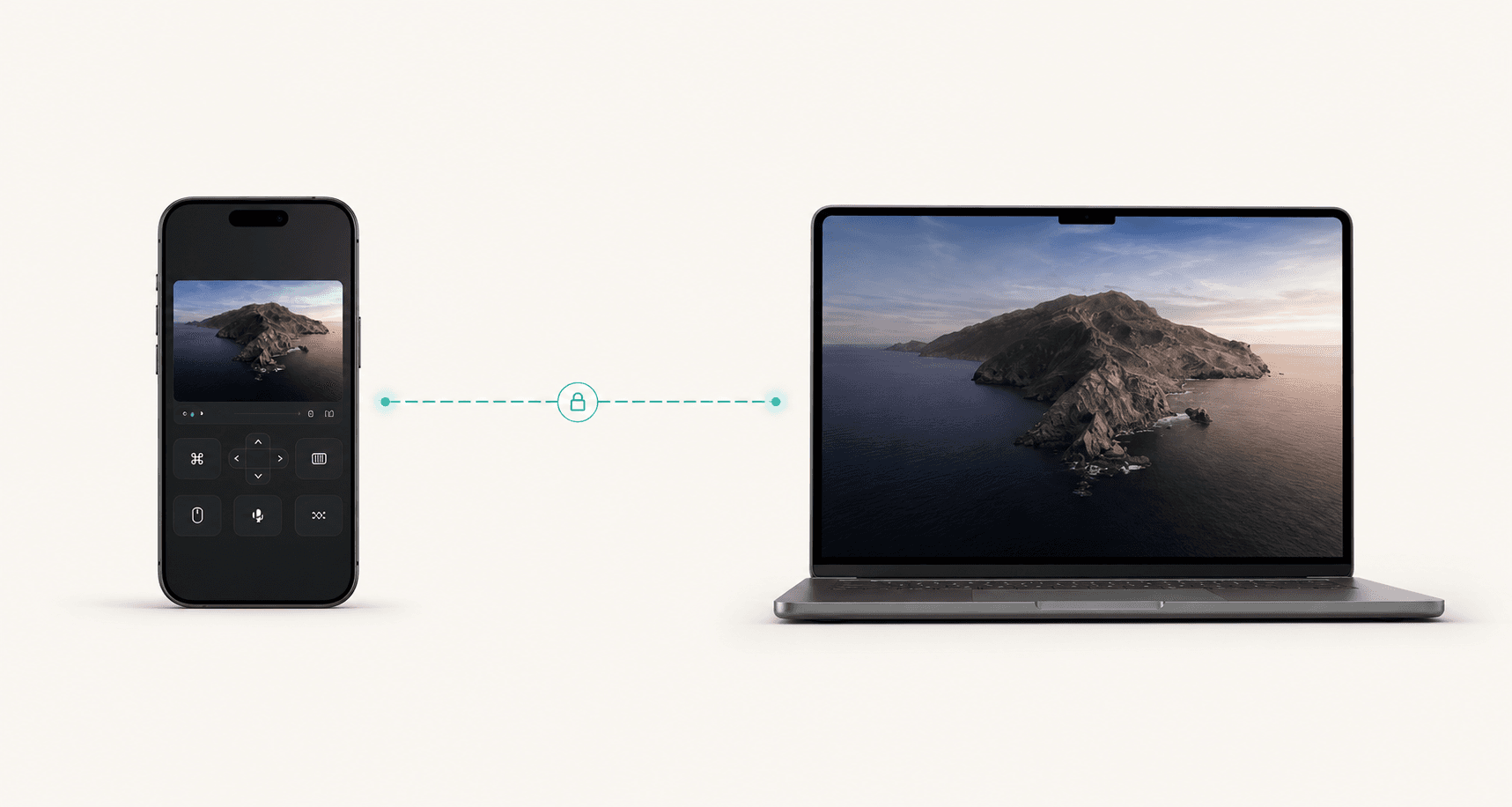
Personal remote workstation
Keep your heavy projects, private tools, and long-running jobs on the machine that belongs to you. Remote Comp gives you a fast controller path back to that host, with direct peer routes preferred whenever the network allows it.
Direct first
Peer routes are preferred before local or private-mesh paths.
4K+
Use large desktop streams when the host setup supports them.
120 FPS
High-refresh profiles are available for capable hosts.
Last reviewed for accuracy: May 15, 2026
Search intent
Search traffic only matters when the page answers the real job. These are the plain-language situations this guide is built around.
remote access to my Mac while traveling
Use a Mac host session when the files, tools, and credentials should stay on the trusted workstation instead of being copied to a travel laptop.
control my computer from my phone
Open the controller on the phone, pair it with the host, and use the session for focused pointer, keyboard, and screen tasks.
low latency remote desktop for a workstation
Remote Comp prefers direct peer routes and high-refresh capture profiles so the session feels closer than a stacked remote-desktop workflow.
Best fit
Use the page as a decision aid before you start a session. The goal is to make the right workflow obvious, not to make every problem look like a remote-control problem.
Developers checking a build, server, or local tool from another device.
Founders and operators who travel but keep one trusted workstation.
Creators reaching a render box, studio Mac, or editing machine.
Anyone who wants remote access without leaving inbound host ports exposed.
Outcomes
The product promise is strongest when latency, authorization, and device context all matter at the same time.
Reach the exact environment where the work already lives instead of rebuilding state on a temporary machine.
Keep tools and files on the trusted host while using explicit, encrypted sessions to reach it.
Direct peer routing, high-refresh capture, and a focused controller make brief remote work feel less heavy.
Decision
Use-case console
Operate From Anywhere
Controller
Phone or browser
Route
Direct when possible
Host
Trusted machine
Workstation reach-back
Designed for short, precise interventions and longer focused sessions.
Phone or browser
Use touch controls on mobile or a full pointer and keyboard from another computer.
No open host ports
Use explicit session pairing instead of relying on inbound exposure.
Runbook
Open the host on the computer that stores the work, approve the required OS permissions, and leave the machine awake for the session window.
Scan the controller link or open it from another browser. The session stays explicit instead of quietly exposing the host.
The controller prefers a direct peer route, then clearly shows when local access or a private mesh should carry the session.
Run the command, move the file, restart the job, or inspect the screen, then end the session when the remote task is done.
Alternatives
Strong use-case pages should tell people when not to buy the premise. These are the cleaner paths when a live desktop session would add risk or unnecessary friction.
If the work can be pushed, reviewed, or deployed through Git, that is usually cleaner than driving a desktop remotely.
When the job is only to retrieve or share a file, sync storage is a better long-term system than a live control session.
If the route is the uncertain part, check WebRTC, browser support, and local addresses before starting real work.
Open resourceRoute plan
Remote Comp is direct when possible, but best-in-class remote workflows name the fallback before the user needs it.
Home, office, hotel, or cellular networks allow WebRTC peer connectivity.
The session should feel closest to local and show the direct route as active.
The controller and host are on the same Wi-Fi, Ethernet, or hotspot.
Use the local controller URL before leaving the network.
Strict networks block peer paths but both devices can join a trusted private network.
Treat the mesh as planned infrastructure, not an emergency workaround.
Setup checklist
Guardrails
FAQ
The FAQ is visible on the page and mirrored in structured data so users and search systems get the same answer.
No. It is strongest when the physical or personal workstation is the source of truth: local files, hardware, accounts, build caches, or a trusted desktop state.
Yes. The controller can be opened from a phone for quick tasks, while another browser or computer can be better for longer keyboard-heavy work.
Test the host permissions, controller URL, power settings, and any private mesh route before you depend on the session away from the machine.
Explore
Ready path
Pair the controller, check diagnostics, and use the session for the specific job this page describes.